
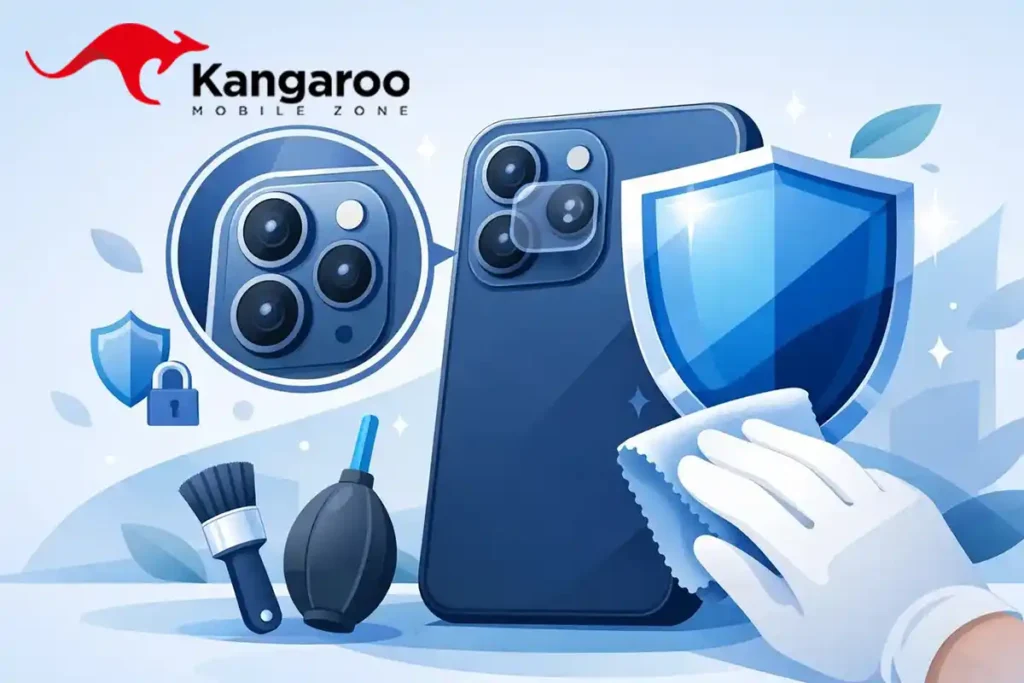
It is incredibly annoying to have a phone camera lens scratched, and it is even more frustrating when your premium phone begins taking blurry, hazy, or foggy pictures. When your cell phone camera lens is scratched due to an accidental drop, keys in your pocket, or everyday wear and tear, there is no need to panic. In many cases, the visual impact can be reduced, photo quality can be improved, and further permanent damage can be easily prevented.
One of the most-used features on modern smartphones is the camera, making it absolutely vital to keep it well-protected. In this comprehensive 2026 guide, we will break down the main causes of lens scratches, how to handle a scratched phone camera lens, and the smartest ways to prevent camera damage in the future.
Why Does a Cell Phone Camera Lens Scratch?
Modern flagship smartphones come equipped with chemically hardened glass on their camera modules. However, hardened glass is still not 100% scratch-proof. The most common real-world causes of lens damage include:
- Keeping your phone in the same pocket or bag as metallic keys and coins.
- Dropping the phone face-down or back-down on hard concrete surfaces.
- Sliding the phone casually across rough tables, kitchen counters, or benches.
- Leaving the camera module completely unprotected without a raised case or guard.
- Fine dust and abrasive sand particles rubbing directly against the lens glass.
Even a minor microscopic scratch can ruin your photography by causing lens flares and light scattering, particularly during sunrise, sunset, or night-time shooting.
How to Know When the Camera Lens Scratch is Serious
Before rushing into any solution, inspect your camera module under a bright light source to classify the type of damage:
| Minor Surface Scratch | Deep Scratch or Crack |
|---|---|
|
|
In cases where deep cracks or physical fractures are present, a professional component replacement is necessary to restore photo quality.
How To Handle a Scratched Phone Camera Lens
If you are looking for the safest, most effective ways to treat a scratched phone camera, keep the following workflow in mind:
- Thoroughly Clean the Lens first: Occasionally, stubborn smudges, facial oils, or fine lint can mimic the appearance of a physical scratch. Always clean the lens with a premium microfiber cloth using gentle, tight circular motions.
- Apply an Alloy Glass Lens Protector: If the scratch is a minor surface abrasion, installing a high-clarity lens protector can actually help. The optical adhesive fills in the microscopic scratch gaps, minimizing light refraction and restoring image sharpness while preventing any further wear.
- Replace Only the Camera Glass Cover: Most modern smartphones feature an independent glass outer cover over the actual camera sensor module. Instead of buying an entire expensive camera system, a certified technician can simply swap out the damaged outer glass layer.
- Opt for Professional Repair: For high-end premium devices with severe impact damage, visiting an authorized repair shop is always the safest option to prevent dust from contaminating the internal image sensor.
⚠️ Word of Warning on DIY Hacks: You might see viral internet trends recommending the use of toothpaste, baking soda, or harsh abrasive polishing compounds to buff out scratches. Do not do this. These abrasive materials will permanently strip away the camera’s vital anti-reflective and oleophobic coatings, making the image quality significantly worse.
Proactive Scratch Prevention Tips for Smartphone Lenses
When it comes to delicate smartphone optics, prevention is always the best and cheapest cure. Follow these simple steps to keep your camera pristine:
- Install a Camera Lens Protector: A premium tempered glass or alloy ring lens protector provides a robust, sacrificial shield against sharp objects, dust, and direct impacts.
- Use a Protective Raised-Edge Case: Always choose a mobile case that features a distinct, raised defensive lip or camera bezel contour around the rear camera module to prevent the glass from touching flat surfaces.
- Designate a Clean Phone Pocket: Make it a strict habit to keep your phone pocket completely free of loose cash, coins, keyrings, or grit.
- Be Mindful of Surface Placement: Avoid sliding your phone over rough stone or metallic surfaces, and never place it camera-side down on hard platforms.
👉 Secure your smartphone camera today with high-definition, impact-resistant camera accessories tailored for your iPhone or Samsung Galaxy at Kangaroo Mobile Zone.
Evidence That It Is Already Too Late: When to Seek a Replacement
An external optical protector cannot fix structural internal issues. It is time to get a professional camera lens replacement if you notice any of these signs:
- Captured photographs remain permanently blurry or distorted even after extensive external cleaning.
- Night shots are ruined by massive, unfixable light halos or intense scattering artifacts.
- The camera’s internal optical image stabilization (OIS) or autofocus fails to lock onto subjects regularly.
- Deep physical fractures or cracks cross directly over the optical center of the sensor lens.
- Fine dust particles or moisture condensation have managed to settle inside the internal camera chamber.
Final Thoughts: Don’t Forget the Camera Module
While almost everyone remembers to buy a front screen guard, the rear camera bump is often entirely overlooked—even though it is usually the very first part of the phone to make contact with surfaces when placed down. A premium camera lens protector is a highly affordable investment that saves you from paying hundreds for an intricate camera module replacement later.
Take fast action to preserve your phone’s photography performance. Wipe down the glass, analyze the depth of the scratch, and apply a robust guard before it’s too late.
🛍️ Ready to protect your camera lens? Explore our certified collection of scratch-resistant lens protectors and premium cases at Kangaroo Mobile Zone today!
Frequently Asked Questions (FAQ)
1. Is it actually possible to repair a scratched phone camera lens?
Minor surface scratches can be effectively masked and stabilized by installing a premium glass lens protector with clear optical adhesive. However, deep structural scratches or fractures cannot be buffed out and will require a professional replacement of the outer lens glass.
2. Why do my pictures become blurry when the camera lens is scratched?
Scratches create uneven ridges on the smooth surface of the glass cover. When light enters the camera, these physical ridges bend and scatter the light rays incorrectly across the internal camera sensor, resulting in foggy, blurry images and bad light flares.
3. Should I buy a standalone camera lens protector if my case already has a raised lip?
Yes, absolutely. A raised lip protects your phone when it is placed completely flat on a smooth surface. However, it cannot protect the glass from sharp objects inside your bag, loose sand at the beach, or uneven keys. A dedicated lens protector seals the entire camera array from all angles.